

Add an assistant coach or team manager
Only the head coach can add staff. Each person is added as an Assistant Coach or a Team Manager; both get full access to the team.
- Open Team › Settings and find the Staff list. Tap + Add.
- Choose Assistant Coach or Team Manager.
- Search for them by name or email and tap their name. They get a request in Athlio to accept. Not on Athlio yet? Send the Email invite instead. They show as Invited until they accept.
- Or share your Staff code from the Codes card. They enter it under Profile › Have a staff code? and appear under Staff as Waiting, where you tap Add to staff.
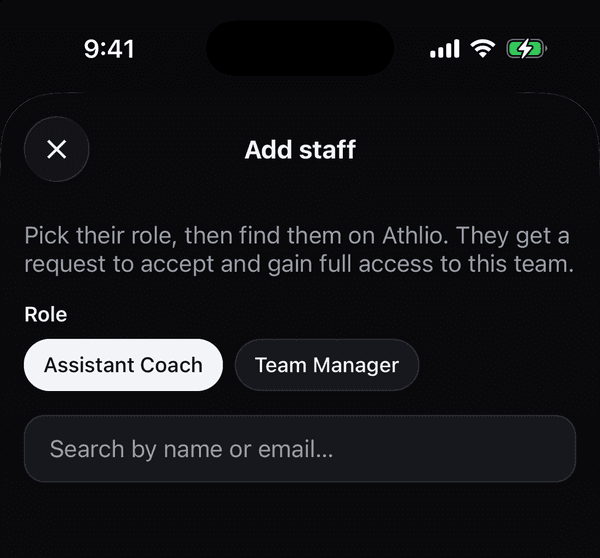
Add staff: pick Assistant Coach or Team Manager, then search by name or email If that didn’t work
If they can’t find the invite, they signed in with a different Apple or Google account than the one you invited. Have them sign out on the Profile tab and sign in with the right one. Assistant Coaches and Team Managers can do everything on the team, including scoring tryouts and sending decisions; only the head coach adds staff, changes what the public page shows, transfers ownership or deletes the team.
Was this helpful?