

Create your account
Athlio signs you in with Apple or Google. There is no separate Athlio password, so you will never need to reset one.
- Install Athlio: Dugout from the App Store (iPhone, iPad) or Google Play (Android) and open it.
- Tap Continue with Apple or Continue with Google. Use the one you will remember; you sign in the same way every time.
- Confirm your date of birth, and your name if it asks. Tap Get started and choose I’m a parent or I coach a team. You can pick both.
- Coaches go straight to Set up your team. Parents add their athlete and give consent, then enter the code their coach sent.
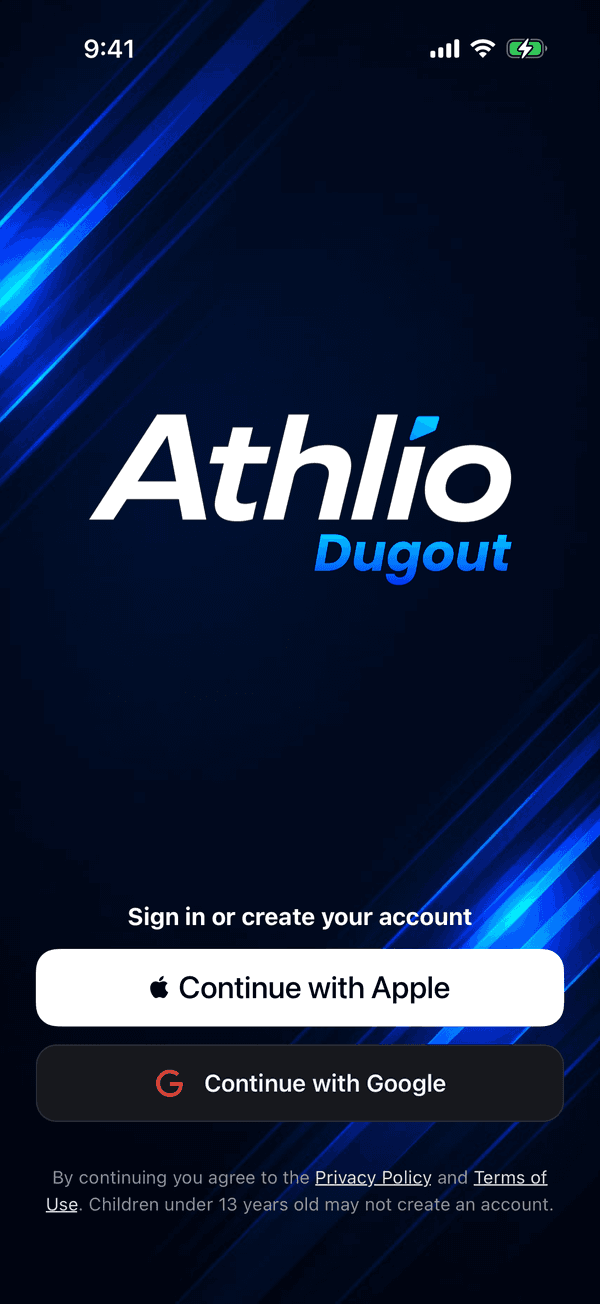
Sign in: Continue with Apple or Continue with Google If that didn’t work
If the Apple or Google sheet closes without signing you in, check that you are connected to the internet and try again. Signing in with the other provider makes a second, separate account, so stick with one. Still stuck? Contact support with the device you are on.
Was this helpful?